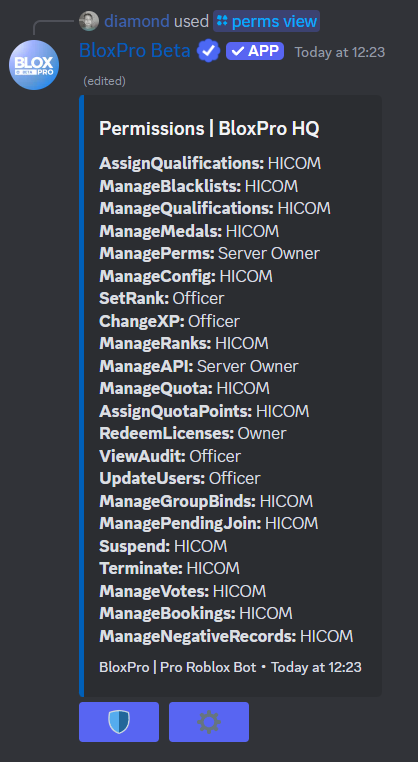
BloxPro makes configuring your server’s permissions easy. You can add roles to 3 seperate categories: Owner, HICOM and Officer. You can also then configure what each category can do and what they have access to.
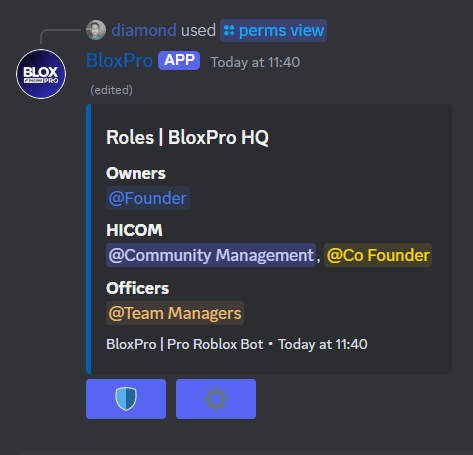
Adding roles to permission
Only the Discord Server owner can configure the servers permissions
/perms addofficerrole [@role]
/perms addhicomrole [@role]
/perms addownerrole [@role]
Removing roles from a permission
If you want to remove a role from the permission category:
/perms removeofficerrole [@role]
/perms removehicomrole [@role]
/perms removeownerrole [@role]
Configuring what each group can do
This is a BloxPro+ Premium Feature and requires a BloxPro+ Premium license
/perms changeperm [Permission Node] [Group]

You can view all the permission nodes via /perms and clicking the gear icon